Draw Modes
An editor can display particles in several draw modes, useful for debugging various aspects of the edited effect.
Normal
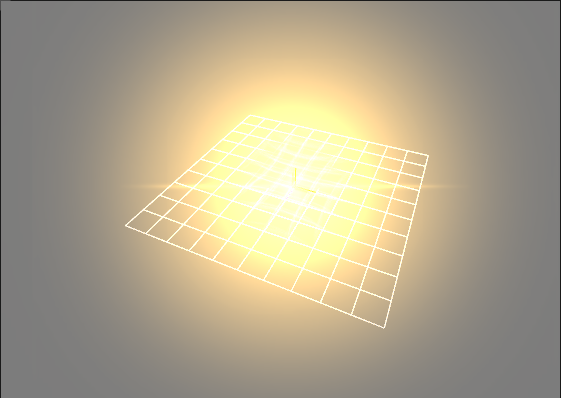
This is the default draw mode. It displayed particles the same way as they will be rendered in the engine.
Wireframe
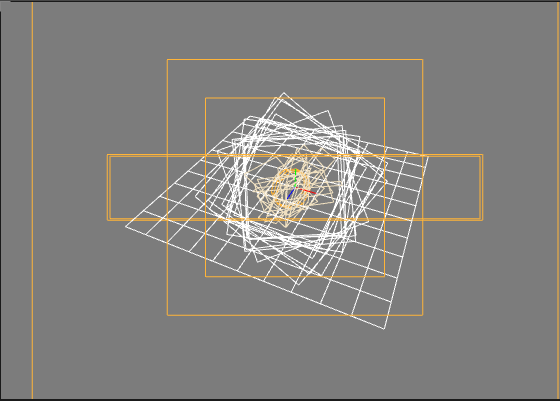
Shows wireframe representation of particles
Wireframe + Normal
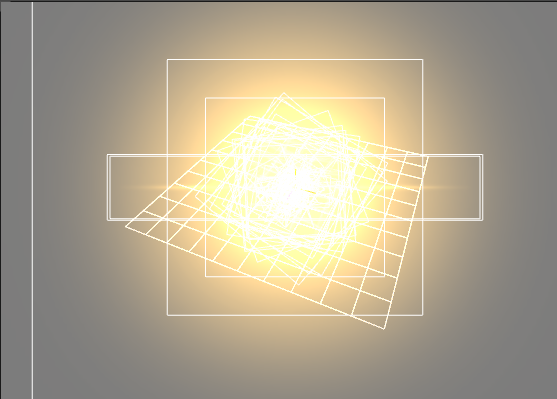
Displayed textures particles with wireframe overlaid
Overdraw
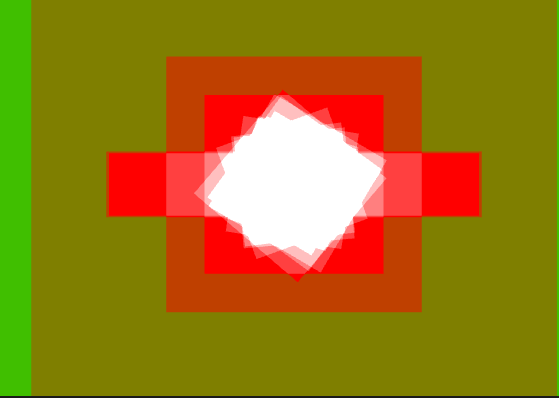
This is mode is useful during optimization. It renders transparent "silhouettes" of particles. These transparent colors accumulate which makes it easy to spot places where multiple particles overlap.
High particles overdraw is usually the main source of performance issues, so you probably want to reduce overdraw when possible by reducing amount of overlapping particles.