Procedural Model
Overview
This function allows you to create a 3D model by simply adjusting the parameters. Normally, you would need to use other software to create a 3D model, but you can create a simple 3D model within Effekseer.
Parameters
Type
Specifies the type of mesh to be generated.
Mesh
Generates the outer mesh of a sphere or cylinder, depending on the specified parameters. Basically, it generates a rotating object about an axis.
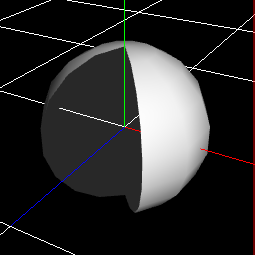
Region (angle)
Specifies the region of rotators to be generated. Normally, it is a circle, but it can be made into a cut out part of it.
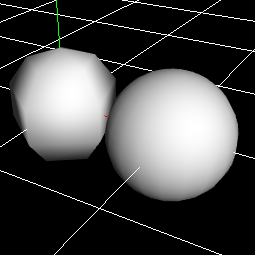
Division
The number of divisions of the mesh.The larger this value is, the smoother it becomes.
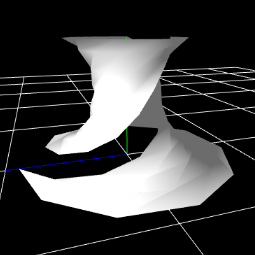
Rotated angle
Twist the mesh.
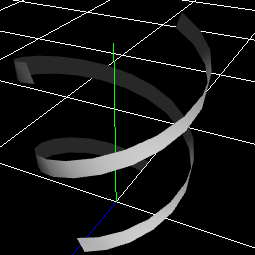
Ribbon
Generates a shape that looks like it wraps around the mesh.
Cross-section
Specify the shape of the ribbon section.
Plane
Cross
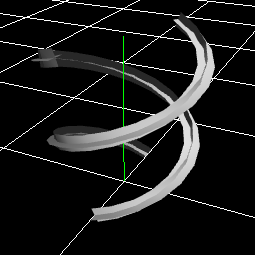
Point
It is not displayed as a mesh, but can be used as a parameter for the spawn method.
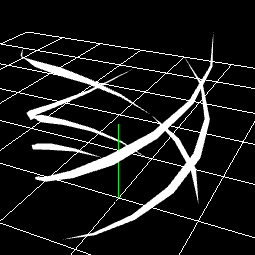
Rotated angle
Specifies the amount of angle at which the ribbon rotates about its axis.
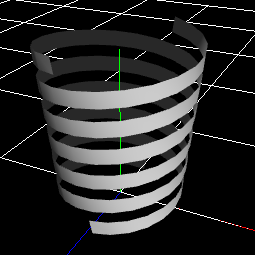
Thickness of ribbon
Specifies the thickness of the ribbon at the start and end points.
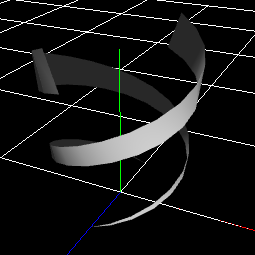
Angles of ribbon
Specifies the amount of rotation from the viewpoint to the end point per ribbon.
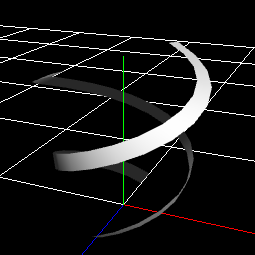
Noises to length
Move the ribbon and the start and end points randomly.
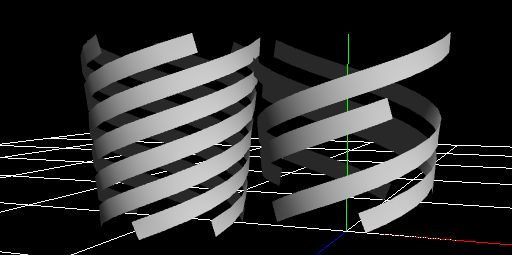
The number of ribbons
Specifies the number of ribbons.
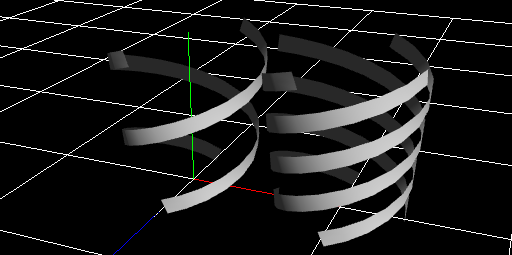
Shape Type
Specify the mesh shape of the actual model to be generated.
Sphere
Sphere. You can specify which region of the sphere is to be specified.
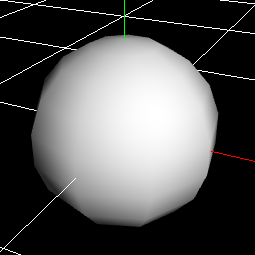
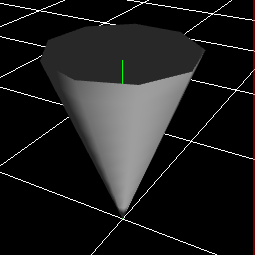
Cone
Cone. Radius and depth can be specified.
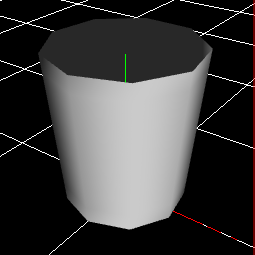
Cylinder
Cylinder. You can specify different values for the top and bottom radii of the cylinder. It can also be made into a disk by setting the depth to 0.
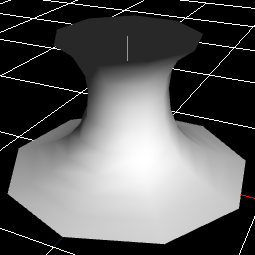
Spline
This is a rotator with four points specifying the sides. This is useful for expressing tornadoes, auras, etc.
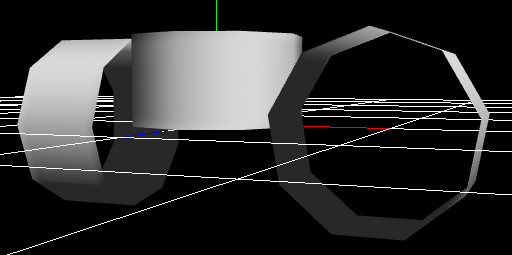
Axis
Specifies in which direction the mesh will be generated.
Noise
It distorts the generated shape.
Tilt-noise
Causes the mesh to tilt at each axial position. It is suitable for creating meshes that are diagonal in each part, such as tornadoes.
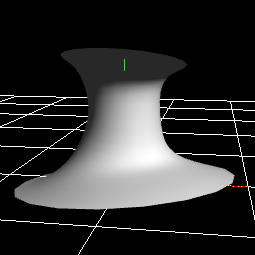
Wave noise
Shake each position of the model with a wave. It is good for generating meshes that look like they are shaken by waves at regular intervals.
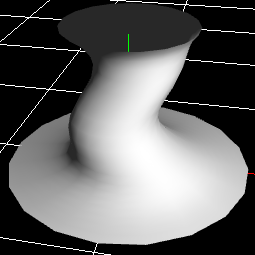
Curl-noise
For each position of the model, distort it in a random direction.
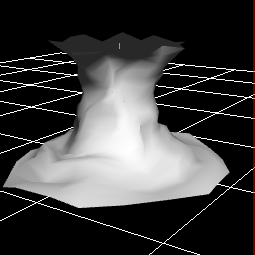
Vertex color
Specify a color for each position and interpolate the colors between them.
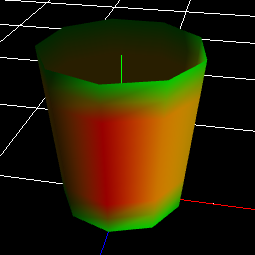
Position of center area
Specifies the position that the center specified by the vertex color indicates on the mesh.
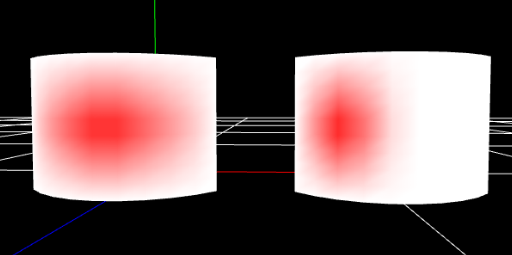
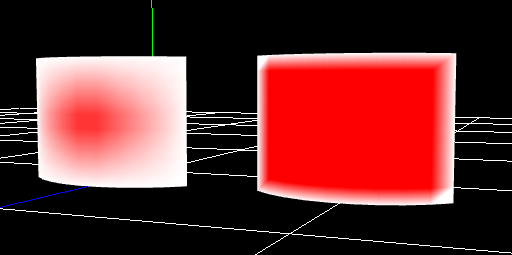
Rate of center area
Specifies how much the center color specified by the vertex color will occupy the center area. The larger this value is, the more area the central vertex color occupies.
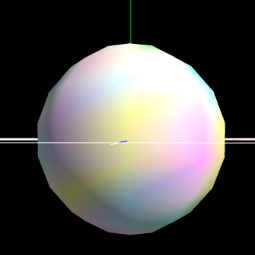
Vertex Color Noise
Adds colorful noise to the vertex color.
UV
Specifies the UV region to use for the mesh.